Getting started with tasks in Vayoru
The basics of adding, editing, and completing tasks in Vayoru - and how Today, Upcoming, and Completed fit together.
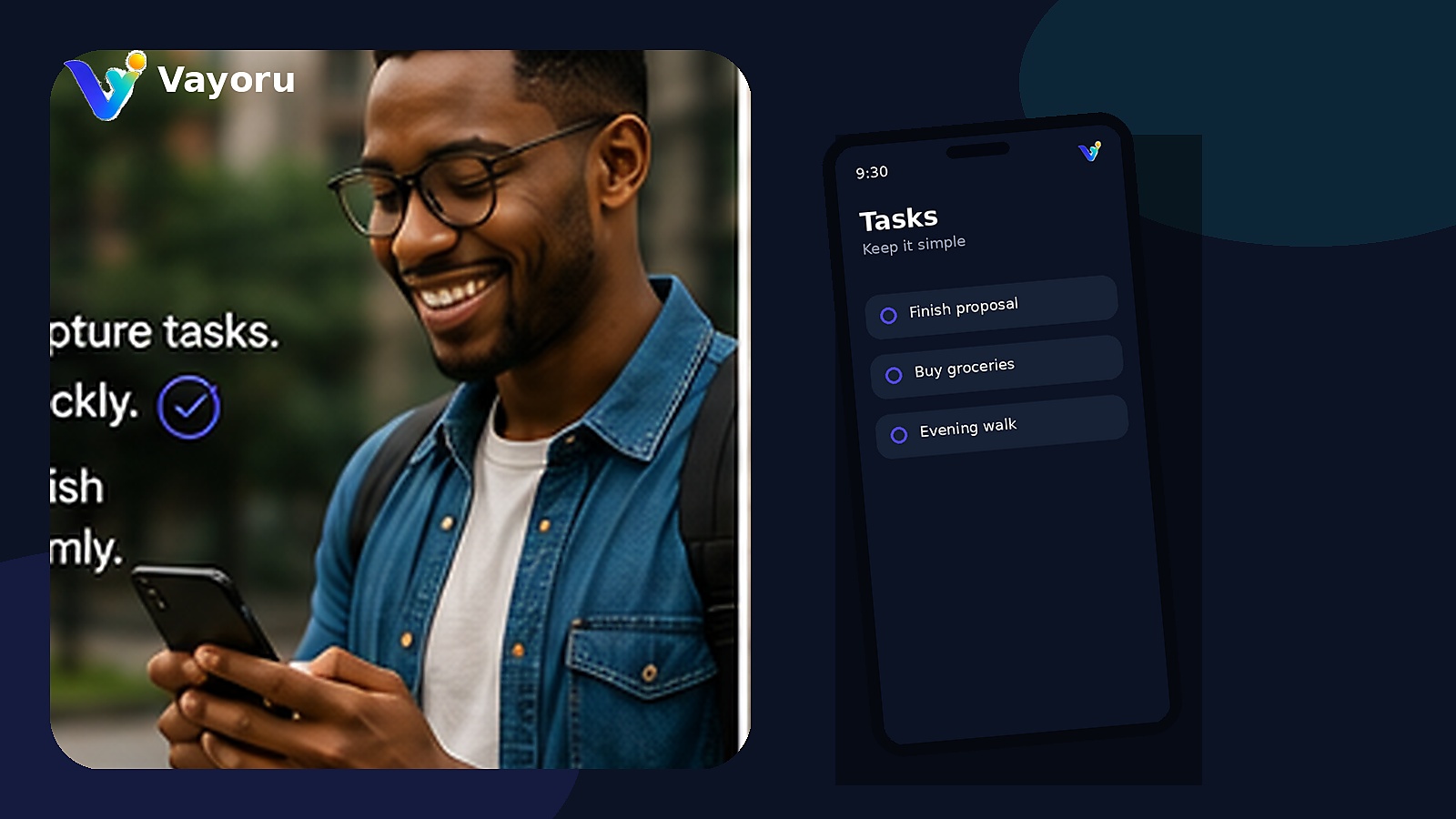
Vayoru's task manager is built around three simple views: Today, Upcoming, and Completed.
Adding your first task
Use Quick capture to add a task to your Inbox in one tap, or open the detailed form for a due date and time, priority, list, notes, and an optional checklist.
Today, Upcoming, and Completed
Today shows exactly what's due right now. Upcoming holds everything scheduled ahead of time, so your Today list doesn't get cluttered. Once you mark a task done, it moves to Completed - a simple record of what you've finished.
Editing and deleting
Tap any task to open its details, where you can edit the title, date, time, priority, list, or checklist, or delete it entirely.
Priorities, simply
Each task can be marked Critical, High, Normal, or Low priority. There's no scoring system or algorithm - just a quick visual cue for what matters most today.