Getting the most out of Vayoru's calendar
How to move between Day, Week, Month, and Agenda views, and what an event can hold.
Vayoru's calendar is built to answer one question quickly: what's actually on, and when.
Choosing a view
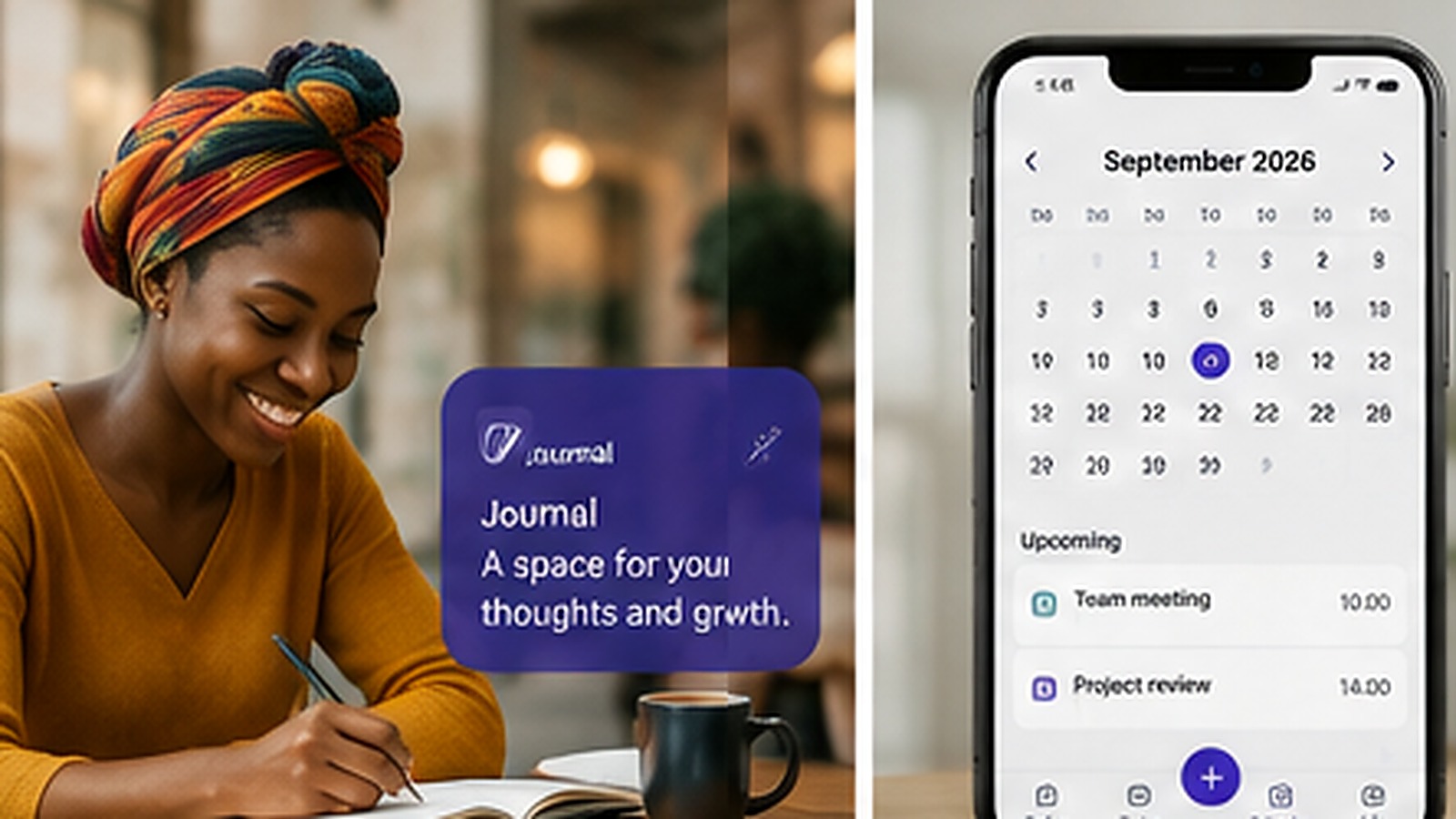
Month is best for a wide-angle look at the weeks ahead. Week and Day zoom in for the detail. Agenda lists everything coming up in order, which is often the fastest way to check what's next.
Adding an event
Give it a title, mark it Timed or All day, and set a category - Personal, Work, Family, Health, Finance, or Other. Notes are optional, for anything useful to remember.
Reminders and repeats
Attach a local reminder to an event the same way you would a task, and set it to repeat if it happens regularly.
It stays on your device
Vayoru V1 doesn't connect to Google Calendar, Outlook, or any external calendar - your events are stored locally, like everything else in Vayoru.