
Calendar
Your time, without the noise. Switch between Day, Week, Month, and Agenda views, and add events with a category, notes, and an optional local reminder.
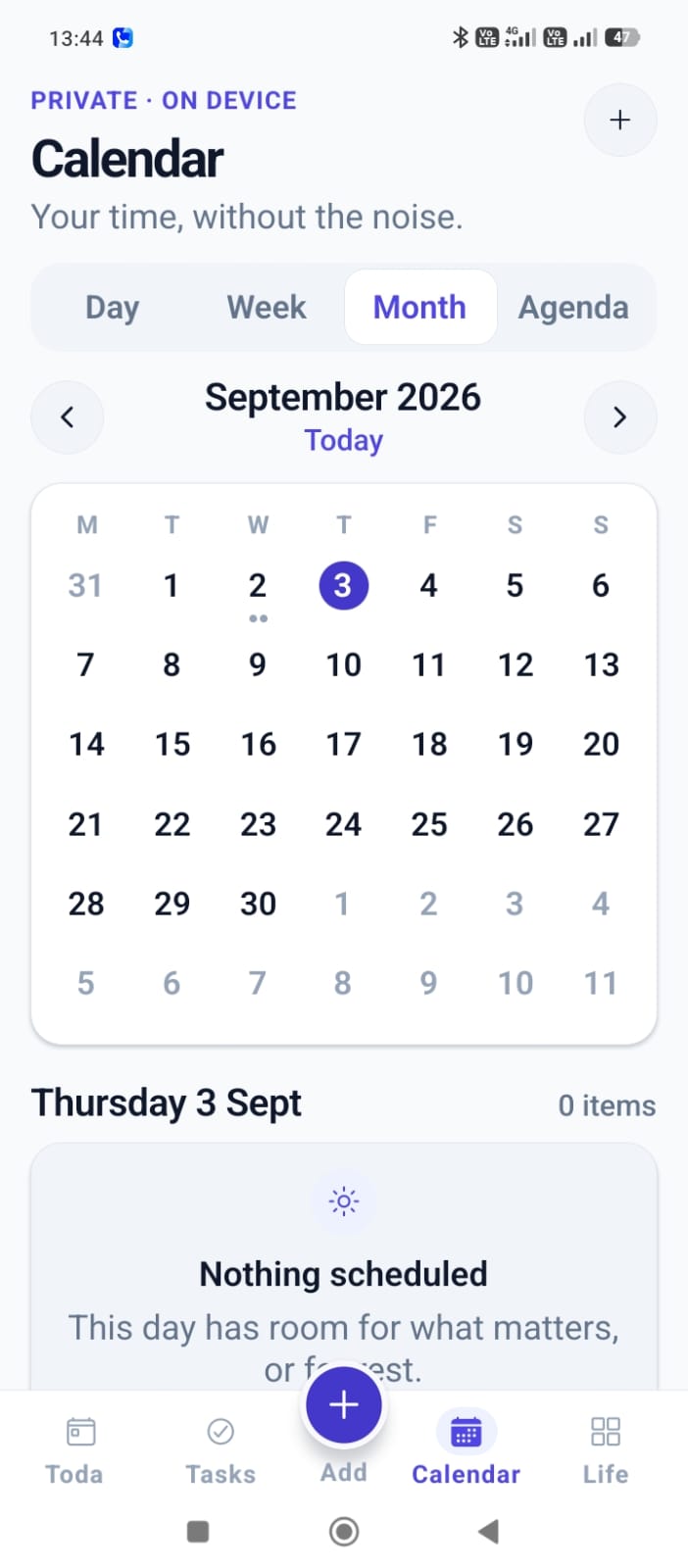
A calendar that stays out of your way
Four views
Switch between Day, Week, Month, and Agenda depending on how much detail you want.
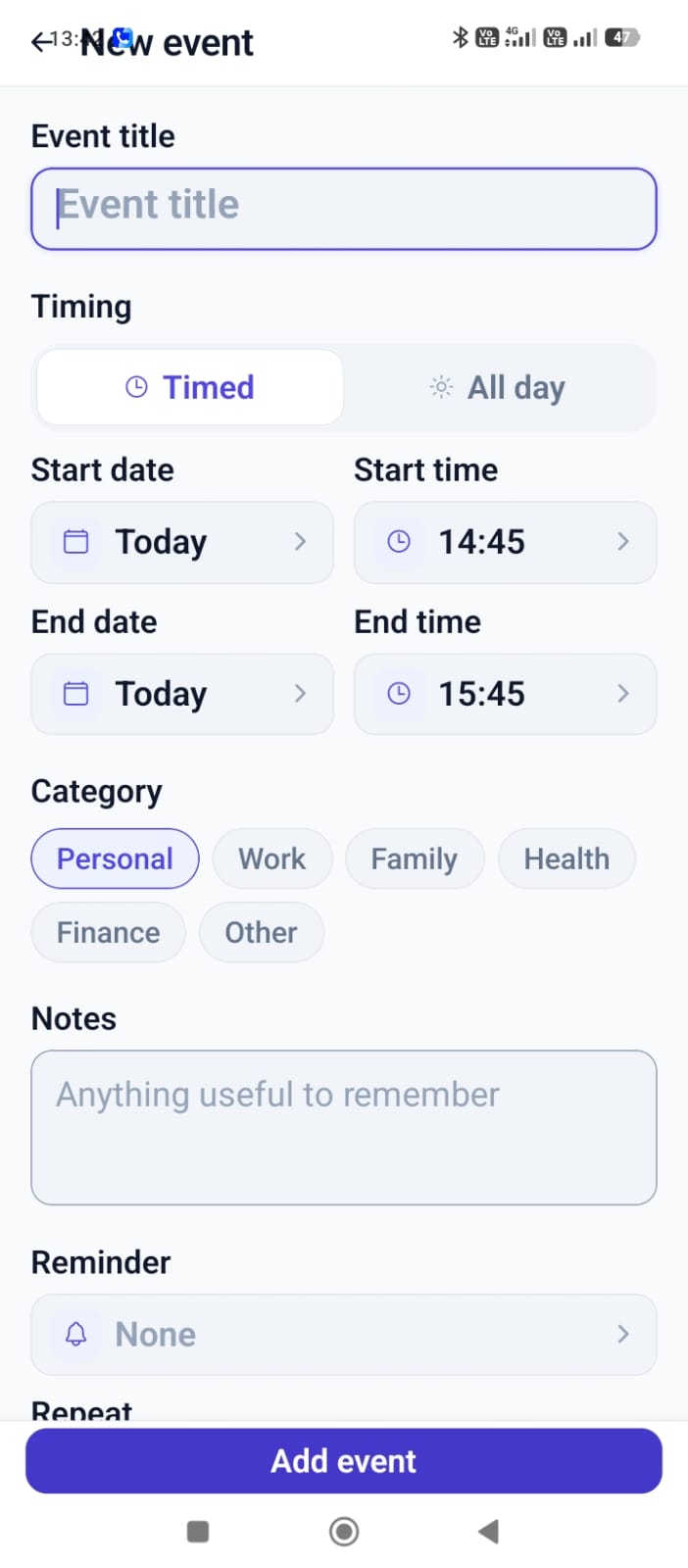
Timed or all-day
Give an event a start and end time, or mark it all-day.
Categories
Sort events into Personal, Work, Family, Health, Finance, or Other.
Notes
Add anything useful to remember about the event.
Optional reminder
Attach a local reminder to an event, the same way you can with a task.
Repeat
Set an event to repeat where that fits how it actually happens.
From month view to a new event
Private · on device: your calendar events are stored on your device. Vayoru V1 does not connect to Google Calendar, Outlook, or any external calendar - there's nothing to sync and nothing to share.
Calendar FAQ
Guides for planning your time
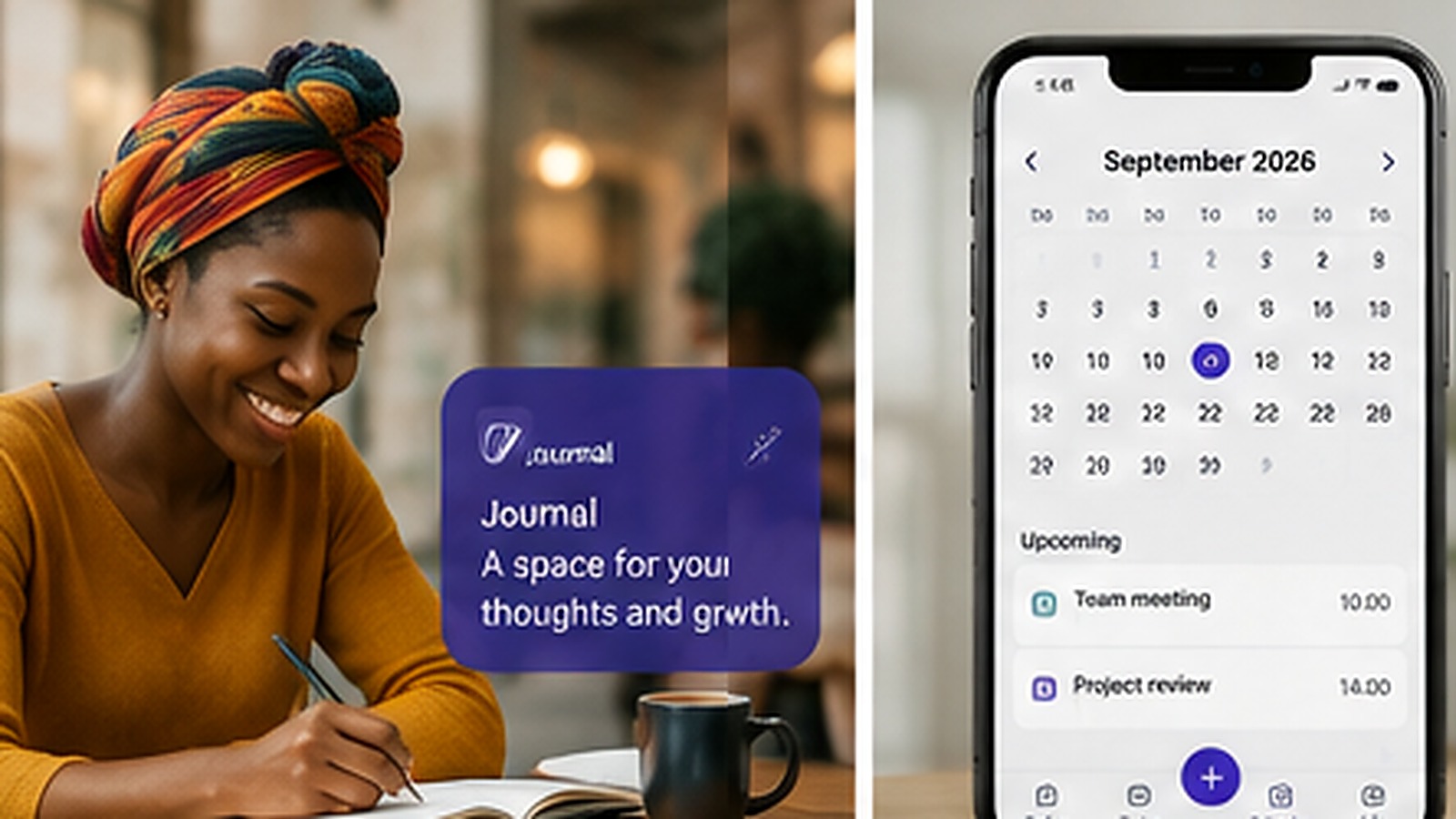
Explore the rest of Vayoru
Your life, in perfect flow.
Download Vayoru free and add your first task, expense, or journal entry in under two minutes.